
Most AEC teams don't lack standards , they lack a reliable way to enforce them. Standards live in outdated PDFs, room requirements get copy-pasted between spreadsheets, and by the time a project reaches design review, nobody is fully sure which version is current. If you're responsible for evaluating building information modeling platforms to manage standards and room templates, the difference between a good fit and a bad one usually comes down to a handful of specific capabilities , not marketing claims. Here are seven capabilities worth checking before you commit.
1. A Single, Centralized Source of Truth
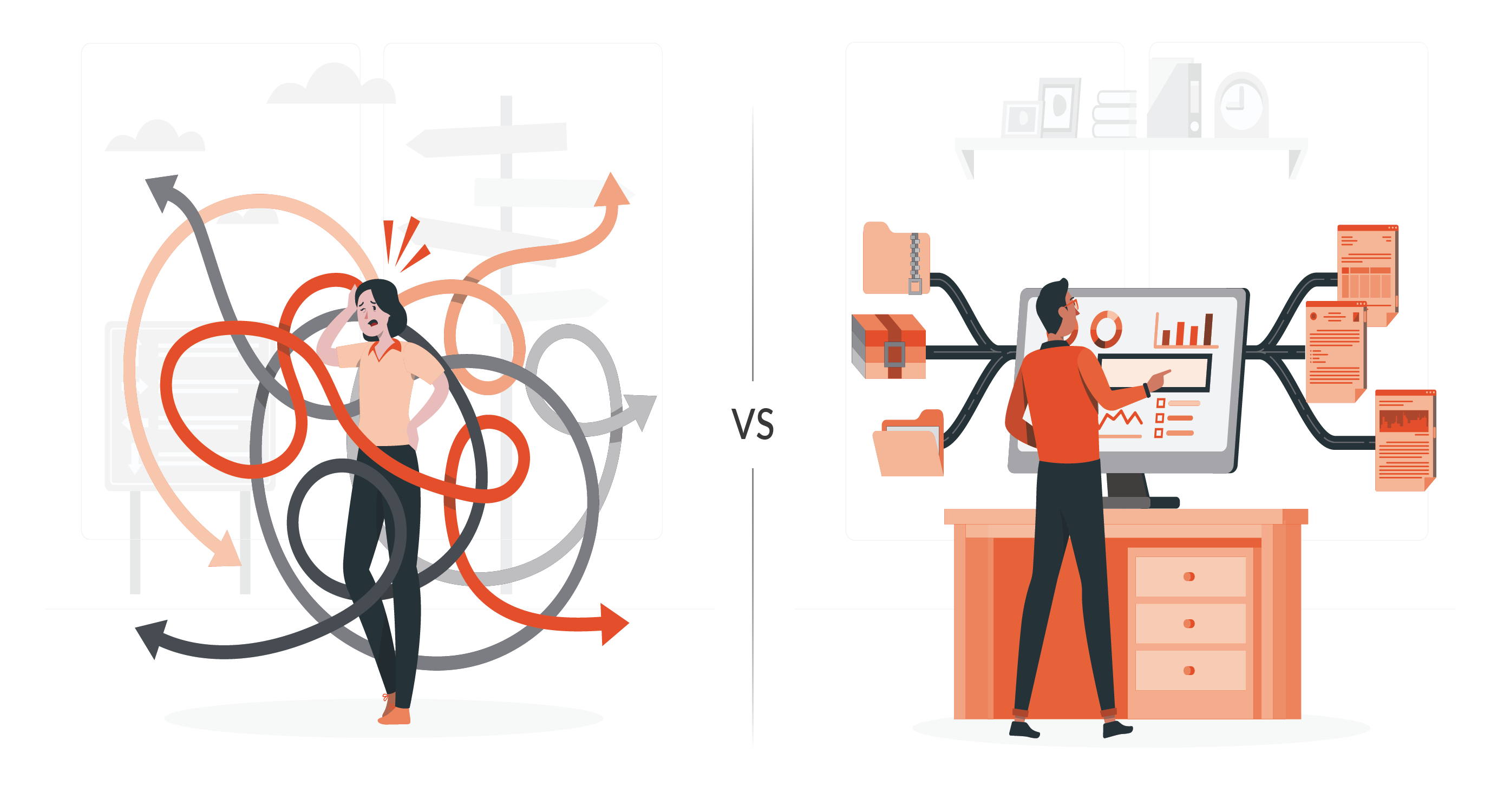
Can standards and room requirements live in one governed system instead of being scattered across shared drives, spreadsheets, and static documents? Fragmented data is one of the most common drivers of rework: one team updates a requirement in a spreadsheet, another is still working from an older export, and nobody notices until clash detection or handover.
Why it matters: If your standards live in more than one place, they aren't really standards , they're suggestions. A true single source of truth means every stakeholder is always looking at the same current data.
2. Reusable, Cascading Room Templates
Look for a platform that supports genuine room templates , not just a formatted document, but a structured record combining room data and item lists that can be applied across many rooms at once, within a project or reused across multiple projects. When a template is updated, connected rooms should update automatically rather than requiring manual edits room by room.
3. Bi-Directional BIM Integration
A platform that only exports data into your model once isn't managing BIM standards , it's just producing a snapshot. Check whether the tool offers genuine bi-directional integration with authoring software like Autodesk Revit and Graphisoft ArchiCAD, so room data and the model can be synchronized and validated against each other as the design evolves , not just exported once at handover.
Why it matters: Without two-way sync, requirements and geometry can drift apart unnoticed. Catching that drift early, through regular synchronization and validation checks, is far cheaper than catching it after design freeze.
4. Standards Consolidation Across a Portfolio, Not Just a Project
If your organization delivers buildings repeatedly, a hospital system, a national retail chain, a university, a government agency , standards shouldn't reset with every new project. Check whether the platform lets you capture your own guidelines once and reuse them across your entire portfolio.
5. Clear, Auditable Data Ownership
BIM standards platforms are collaborative by nature , architects, engineers, contractors, and owners all touch the same data. That only works if the platform makes it clear who owns which piece of information, what's required from them, and when. Vague ownership leads to gaps that surface only at handover, when they're hardest to fix.
Why it matters: Effective multi-disciplinary collaboration depends on auditable data responsibility , not just data access. If everyone can edit everything with no accountability trail, quality control breaks down.
6. Structured, Validated Room Data , Not Static Documents
Room Data Sheets and Schedules of Accommodation are only useful if they're alive. Check whether the platform turns these into structured, queryable data connected to the model, rather than static PDFs that go stale the moment they're issued. Rooms should be able to inherit requirements from templates, be derived with tracked deviations, or carry unique data , all within one system.
7. On-Demand Reporting and Compliance Readiness
Finally, check how the platform handles output. Can it generate Room Data Sheet reports, equipment schedules, space program summaries, and compliance checklists on demand , in PDF, Excel, or IFC , for internal reviews and regulatory approval.
Why it matters: Audit season shouldn't mean weeks of manually reassembling data from disconnected sources. A platform built for construction data management should make compliance reporting a byproduct of daily work, not a separate project.
Bringing It Together
None of these seven criteria are exotic , they're the basics any serious building management platform should get right. The gap between platforms usually isn't features on a slide; it's whether standards, room templates, and BIM models actually stay connected and current in practice.
If you're a BIM manager or part of an architectural design team evaluating options, dRofus was built around exactly this set of problems: centralizing building data, supporting reusable room templates, syncing bi-directionally with Revit and ArchiCAD, and consolidating standards across an entire project portfolio.
Frequently Asked Questions
What should you look for in a BIM standards platform?
A BIM standards platform should centralize room requirements, support reusable templates, provide bi-directional BIM integration, define data ownership, and simplify reporting and validation. For organizations managing multiple projects, portfolio-wide standards reuse is also important.
How do reusable room templates improve consistency?
Reusable room templates allow teams to apply common room requirements and equipment lists across multiple spaces. Managing templates centrally reduces repeated data entry and helps keep room information consistent as standards evolve.
Why is bi-directional BIM integration important?
Bi-directional integration allows information to move between the standards platform and BIM authoring tools such as Revit or Archicad. This helps teams compare designs against requirements, identify discrepancies, and coordinate changes throughout the project.
Can BIM standards be reused across multiple projects?
Yes. A platform supporting portfolio-wide standards allows organizations to maintain common room and equipment requirements and reuse them as a starting point for new projects, with adjustments for specific project needs.
How does a BIM standards platform support reporting and compliance?
By managing room and asset information as structured data, the platform can generate reports such as Room Data Sheets, equipment schedules, and space program summaries. These outputs support project reviews, quality control, and documentation of requirements.
Explore how dRofus supports standards consolidation and room templates
